
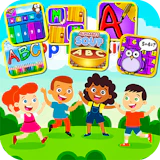
App For Kids - Edu games
Casual • casual • desktop
Unleash your child's potential with App For Kids - Edu games, a delightful fusion of math and word challenges. Featuring an engaging interface and progressive difficulty, kids enhance vocabulary and problem-solving skills through fun,…
Welcome to App For Kids - Edu games — a easy-to-pick-up casual game where simple rules hide surprisingly deep challenges. The rules take seconds to learn, but mastering them is where the real fun starts. Unleash your child's potential with App For Kids - Edu games, a delightful fusion of math and word challenges. Featuring an engaging interface and progressive difficulty, kids enhance vocabulary and problem-solving skills through fun, interactive gameplay. Perfect for beginners, it fosters learning with captivating animations and helpful hints. Designed for widescreen play — keyboard and mouse on desktop give you full control. App For Kids - Edu games runs entirely in your browser on NepLox Games — free, with no download, no install and no account required. Just open the page and press play.
Über App For Kids - Edu games
Unleash your child's potential with App For Kids - Edu games, a delightful fusion of math and word challenges. Featuring an engaging interface and progressive difficulty, kids enhance vocabulary and problem-solving skills through fun,…
Spielweise — App For Kids - Edu games
- How do you play App For Kids - Edu games? — App For Kids - Edu games is a easy-to-pick-up casual game where simple rules hide surprisingly deep challenges. Open the page, press play and follow the short in-game tutorial — most players understand the controls in under a minute.
- What are the controls for App For Kids - Edu games? — On desktop, steer with the arrow keys or WASD and act with the mouse. On mobile, App For Kids - Edu games shows on-screen touch buttons tuned for landscape play.
- Is App For Kids - Edu games free to play? — Yes — 100% free. The game runs in your browser with no download, no installation and no account. You can start playing in seconds.
- Can I play App For Kids - Edu games on my phone? — Yes, though the game is designed for widescreen screens — it works best on desktop with a keyboard, and also runs on tablets and phones in landscape mode.
Häufige Fragen
Häufige Fragen zu diesem Spiel
How do you play App For Kids - Edu games?+
What are the controls for App For Kids - Edu games?+
Is App For Kids - Edu games free to play?+
Can I play App For Kids - Edu games on my phone?+
Any tips to get better at App For Kids - Edu games?+
Who made App For Kids - Edu games?+
So geht’s — App For Kids - Edu games
- How do you play App For Kids - Edu games?
App For Kids - Edu games is a easy-to-pick-up casual game where simple rules hide surprisingly deep challenges. Open the page, press play and follow the short in-game tutorial — most players understand the controls in under a minute. - What are the controls for App For Kids - Edu games?
On desktop, steer with the arrow keys or WASD and act with the mouse. On mobile, App For Kids - Edu games shows on-screen touch buttons tuned for landscape play. - Is App For Kids - Edu games free to play?
Yes — 100% free. The game runs in your browser with no download, no installation and no account. You can start playing in seconds. - Can I play App For Kids - Edu games on my phone?
Yes, though the game is designed for widescreen screens — it works best on desktop with a keyboard, and also runs on tablets and phones in landscape mode.


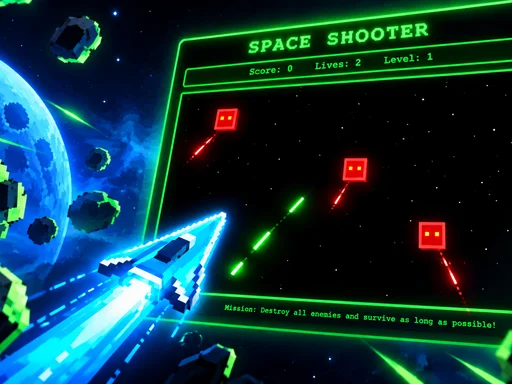

Escape The Trap
Arcade 8.8
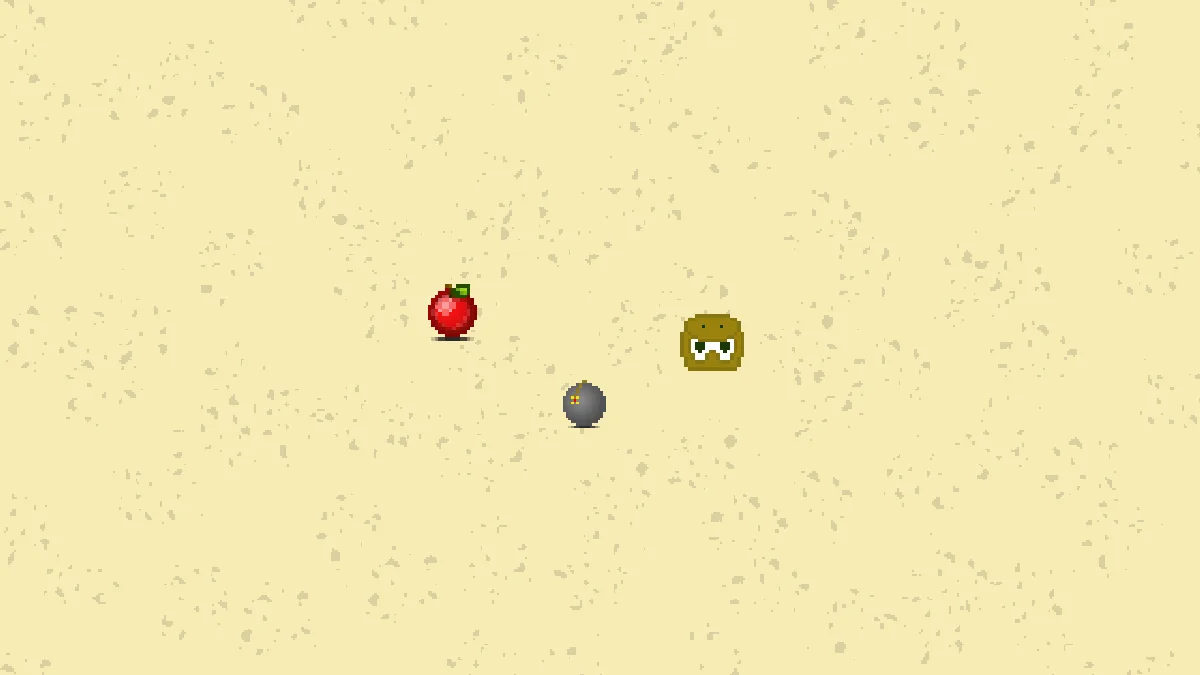
Snake Classic
Arcade 9.7
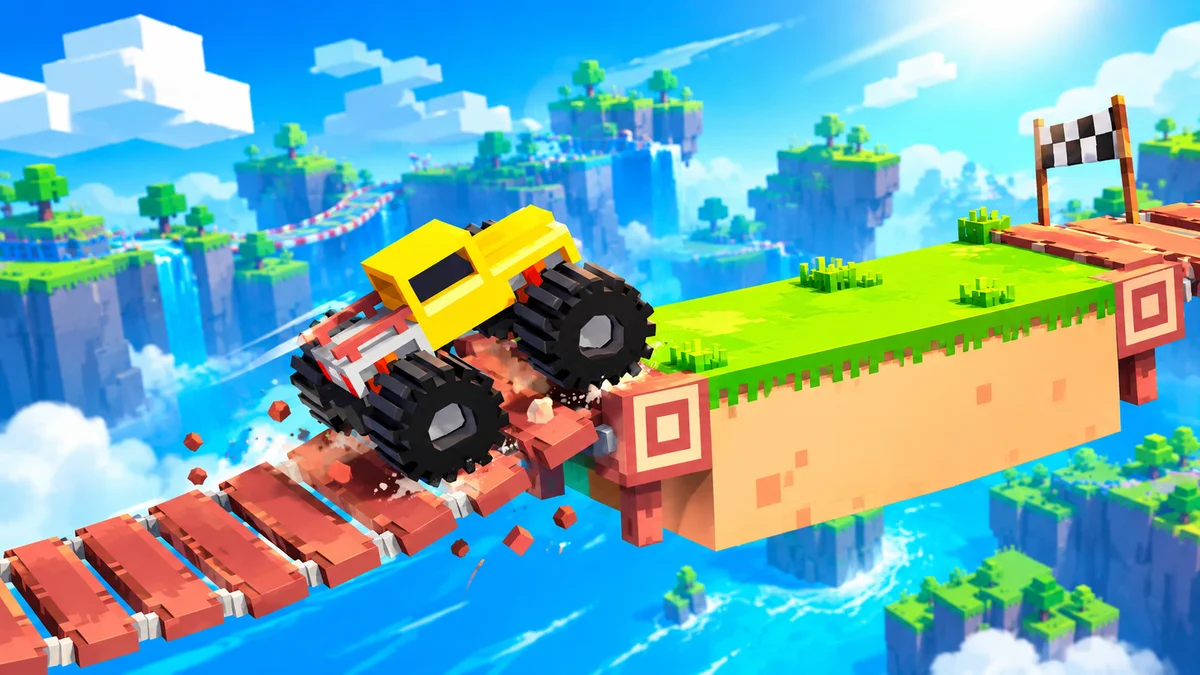
Drive Mad
Rennen 9.4
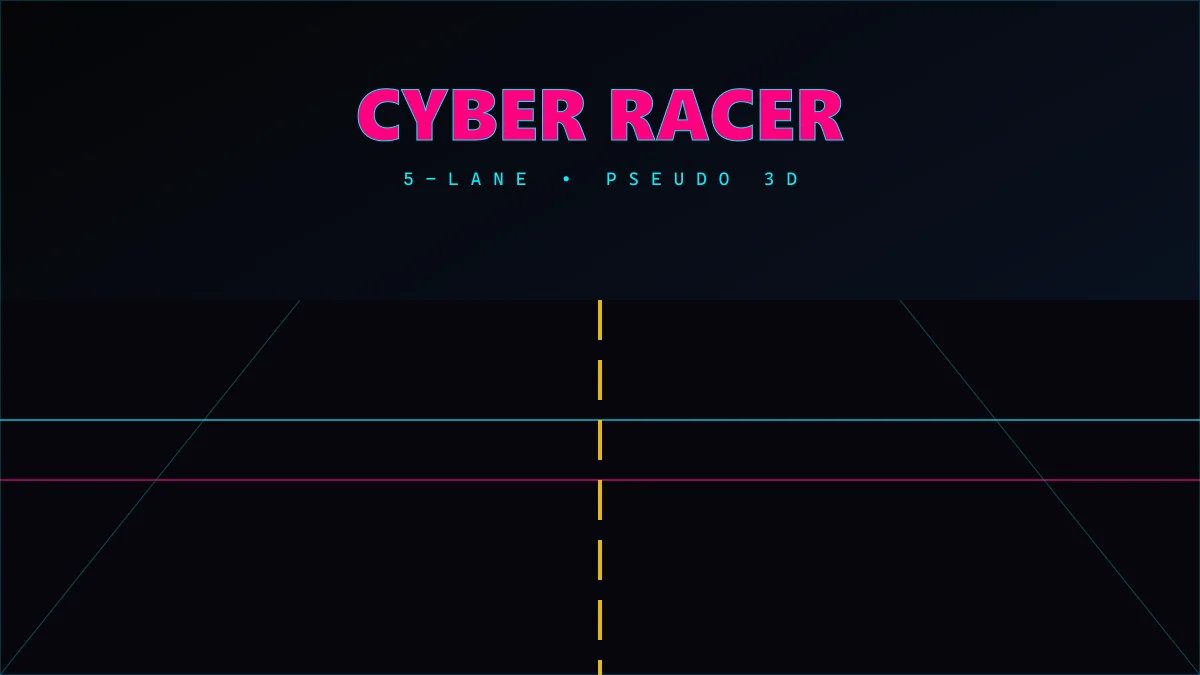
Cyber Racer
Rennen 10.0
Invaders
Shooter 9.7
Space Shooter
Shooter 9.8