

Taste City
Casual • casual • cooking
Taste City is a quick, free casual game — click play and start in seconds, no install or sign-up. undefined
In Taste City, step up as a master chef in a vibrant culinary world. Race against time, crafting mouth-watering dishes and delighting customers. With each level, new trials arise—upgrade your kitchen, manage chaos with precision, and stay cool under pressure to conquer the ultimate cooking challenge. On this page Taste City runs inside a dedicated player with a fullscreen button, quick reload and history tracking, so your sessions pick up where you left them. It works in Chromium, Safari and Firefox on desktop, tablets and phones — the layout adapts to portrait or landscape automatically. Like all casual games on NepLox, it is completely free to play and supported by short in-game ad breaks that keep the project alive and growing.
Über Taste City
Taste City is a quick, free casual game — click play and start in seconds, no install or sign-up. undefined
Spielweise — Taste City
- What is Taste City? — Taste City is a free casual game you can play in your browser — no download, no account, no install. Just click the play button and the game loads on this page.
- How do you play Taste City? — You control Taste City with your keyboard and mouse on desktop, or touch controls when playing on a phone or tablet. The on-screen instructions at the start of each run explain the exact buttons.
- Is Taste City free to play? — Yes — Taste City is 100% free, ad-supported. Ads pay for the servers so you never pay a cent to play. NepLox Games curates the library and hosts the player experience.
- Can I play Taste City on mobile and desktop? — Yes. Taste City runs in any modern browser — Chrome, Safari, Firefox or Edge — on Android phones, iPhones, tablets, laptops and desktops, adapting to portrait or landscape automatically.
Häufige Fragen
Häufige Fragen zu diesem Spiel
What is Taste City?+
How do you play Taste City?+
Is Taste City free to play?+
Can I play Taste City on mobile and desktop?+
Which category does Taste City belong to?+
Does Taste City work offline?+
So geht’s — Taste City
- What is Taste City?
Taste City is a free casual game you can play in your browser — no download, no account, no install. Just click the play button and the game loads on this page. - How do you play Taste City?
You control Taste City with your keyboard and mouse on desktop, or touch controls when playing on a phone or tablet. The on-screen instructions at the start of each run explain the exact buttons. - Is Taste City free to play?
Yes — Taste City is 100% free, ad-supported. Ads pay for the servers so you never pay a cent to play. NepLox Games curates the library and hosts the player experience. - Can I play Taste City on mobile and desktop?
Yes. Taste City runs in any modern browser — Chrome, Safari, Firefox or Edge — on Android phones, iPhones, tablets, laptops and desktops, adapting to portrait or landscape automatically.




Escape The Trap
Arcade 8.8
Snake Classic
Arcade 9.7

Drive Mad
Rennen 9.4
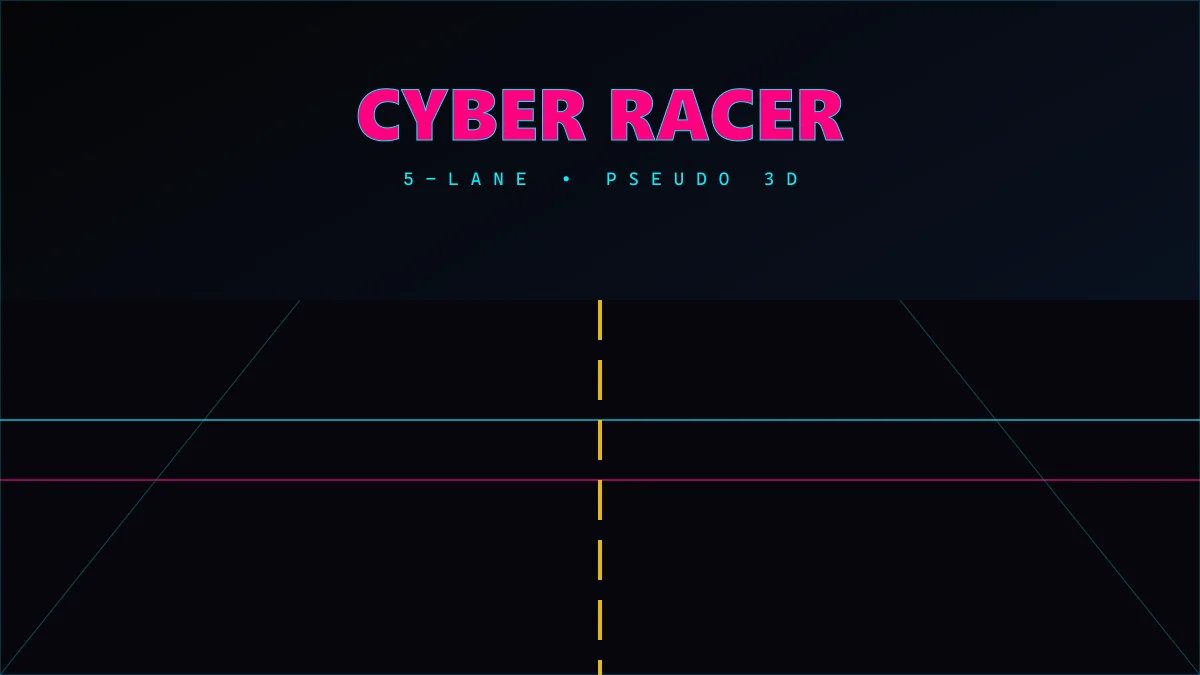
Cyber Racer
Rennen 10.0
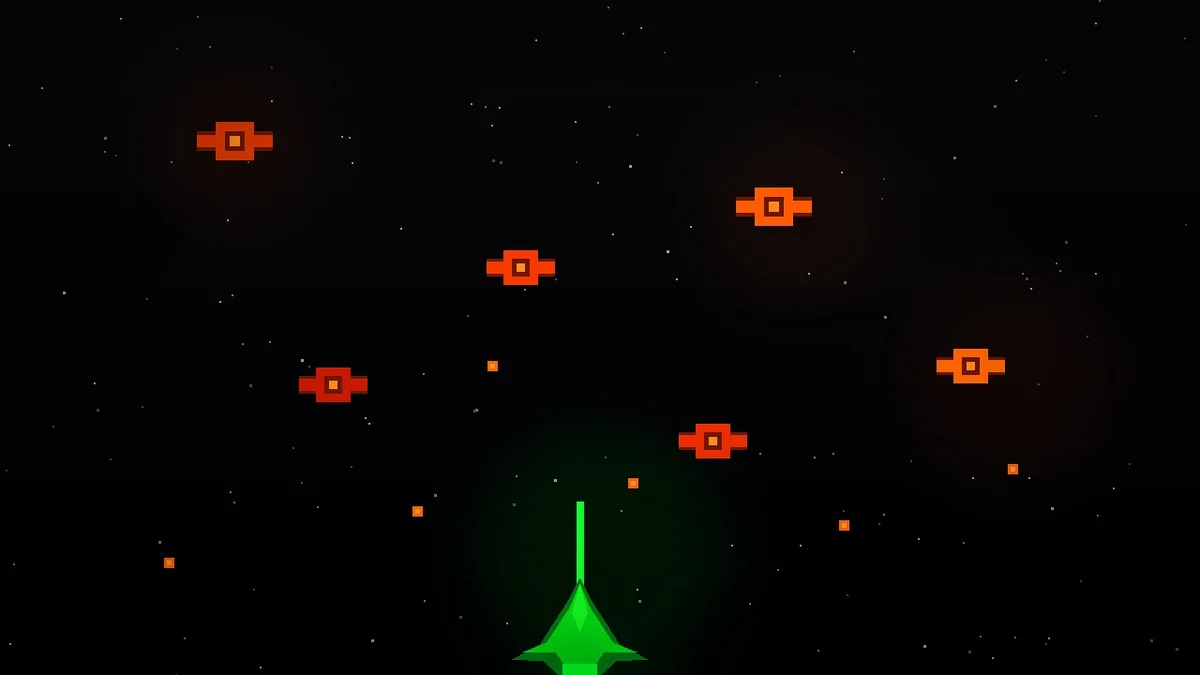
Invaders
Shooter 9.7
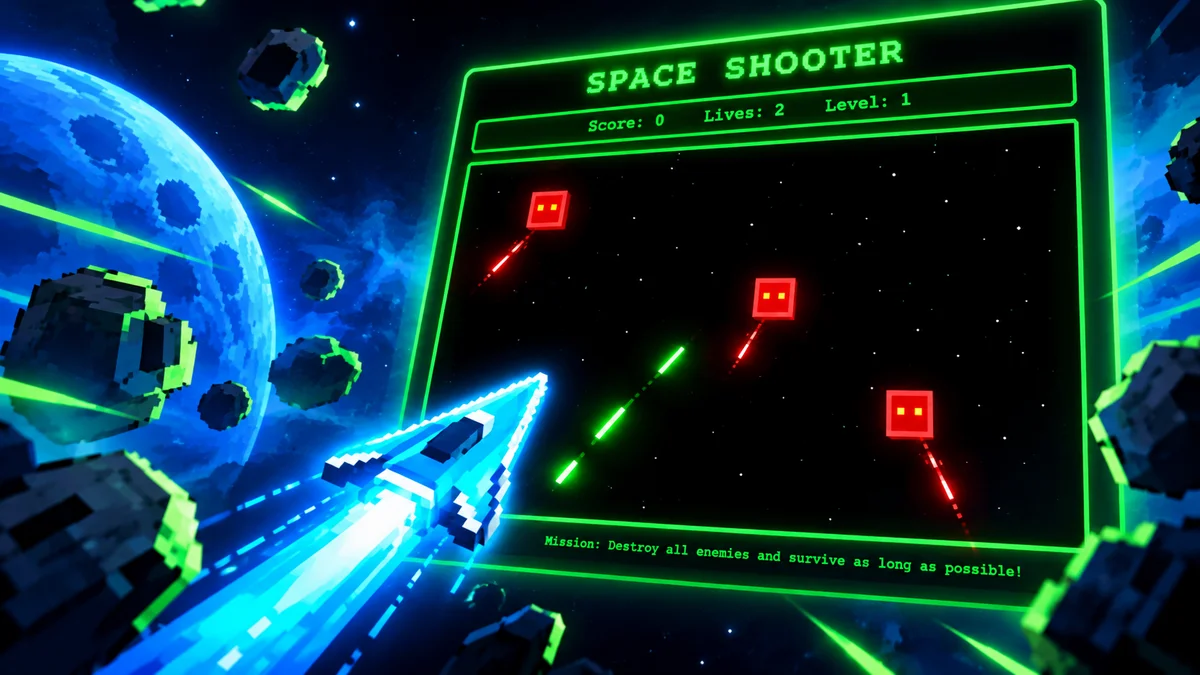
Space Shooter
Shooter 9.8