
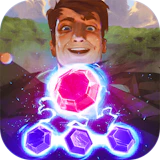
Gemcrafter
Puzzle • puzzle • mobile
Embark on a dazzling adventure through enchanting landscapes in Gemcrafter. Strategically match and merge shiny gems to unlock mystical treasures. With no time limits, take your time to savor the mesmerizing visuals and soothing sounds…
Gemcrafter is a brain-teasing puzzle game where each level hides a logical twist you need to unwrap. Every session is a fresh chance to sharpen your technique and beat your personal best. Embark on a dazzling adventure through enchanting landscapes in Gemcrafter. Strategically match and merge shiny gems to unlock mystical treasures. With no time limits, take your time to savor the mesmerizing visuals and soothing sounds while crafting the ultimate gem collection. Every move is a step to brilliance. NepLox Games hosts Gemcrafter as a free instant-play browser game — nothing to install, nothing to pay. Built for mobile first — swipe, tap and drag with one hand on any phone or tablet.
À propos Gemcrafter
Embark on a dazzling adventure through enchanting landscapes in Gemcrafter. Strategically match and merge shiny gems to unlock mystical treasures. With no time limits, take your time to savor the mesmerizing visuals and soothing sounds…
Gameplay — Gemcrafter
- How do you play Gemcrafter? — Gemcrafter is a brain-teasing puzzle game where each level hides a logical twist you need to unwrap. Open the page, press play and follow the short in-game tutorial — most players understand the controls in under a minute.
- What are the controls for Gemcrafter? — Gemcrafter uses mobile-first touch controls — swipe, tap and drag directly on the screen. On desktop you can use the mouse or arrow keys.
- Is Gemcrafter free to play? — Yes — 100% free. The game runs in your browser with no download, no installation and no account. You can start playing in seconds.
- Can I play Gemcrafter on my phone? — Yes. The game adapts to any screen size — play with touch controls on phones and tablets, or with mouse and keyboard on desktop.
Questions fréquentes
Questions fréquentes sur ce jeu
How do you play Gemcrafter?+
What are the controls for Gemcrafter?+
Is Gemcrafter free to play?+
Can I play Gemcrafter on my phone?+
Any tips to get better at Gemcrafter?+
Who made Gemcrafter?+
Comment jouer — Gemcrafter
- How do you play Gemcrafter?
Gemcrafter is a brain-teasing puzzle game where each level hides a logical twist you need to unwrap. Open the page, press play and follow the short in-game tutorial — most players understand the controls in under a minute. - What are the controls for Gemcrafter?
Gemcrafter uses mobile-first touch controls — swipe, tap and drag directly on the screen. On desktop you can use the mouse or arrow keys. - Is Gemcrafter free to play?
Yes — 100% free. The game runs in your browser with no download, no installation and no account. You can start playing in seconds. - Can I play Gemcrafter on my phone?
Yes. The game adapts to any screen size — play with touch controls on phones and tablets, or with mouse and keyboard on desktop.

Escape The Trap
Arcade 8.8
Snake Classic
Arcade 9.7
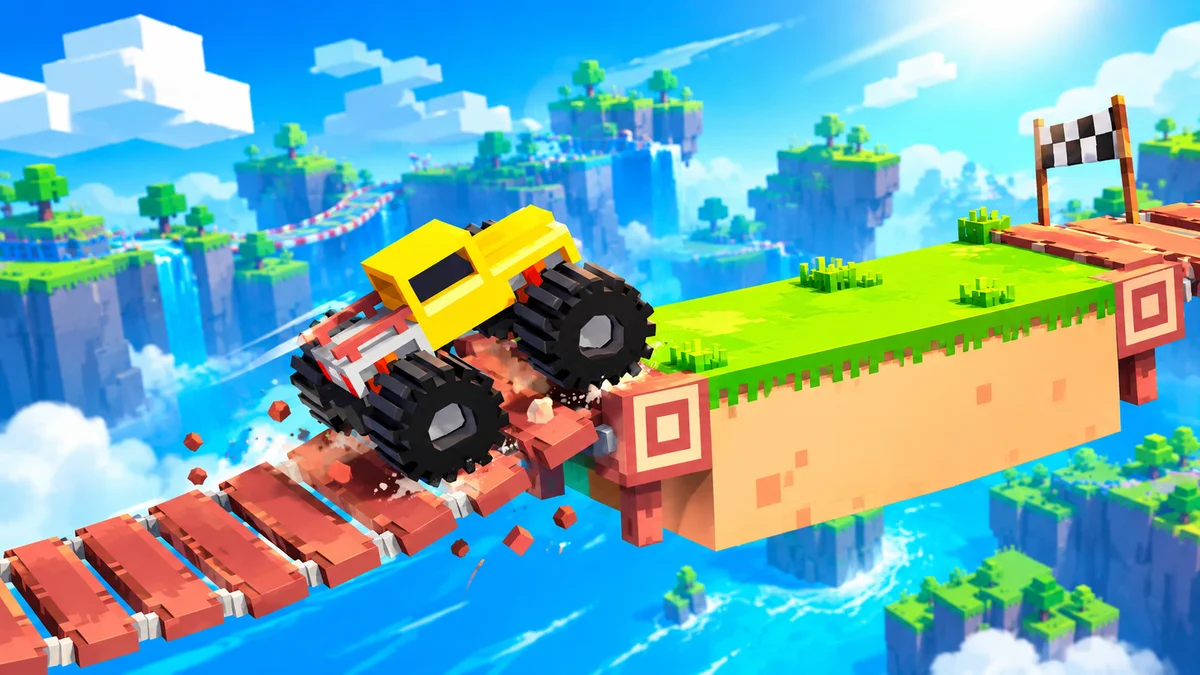
Drive Mad
Course 9.4
Cyber Racer
Course 10.0
Invaders
Tir 9.7
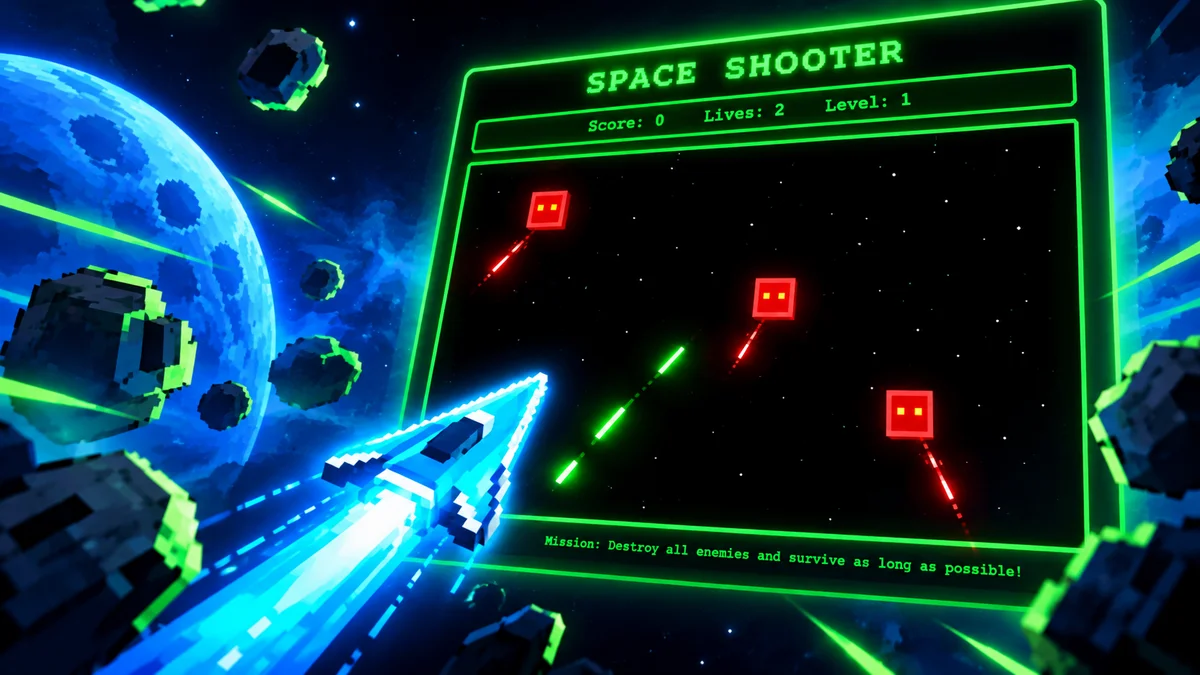
Space Shooter
Tir 9.8