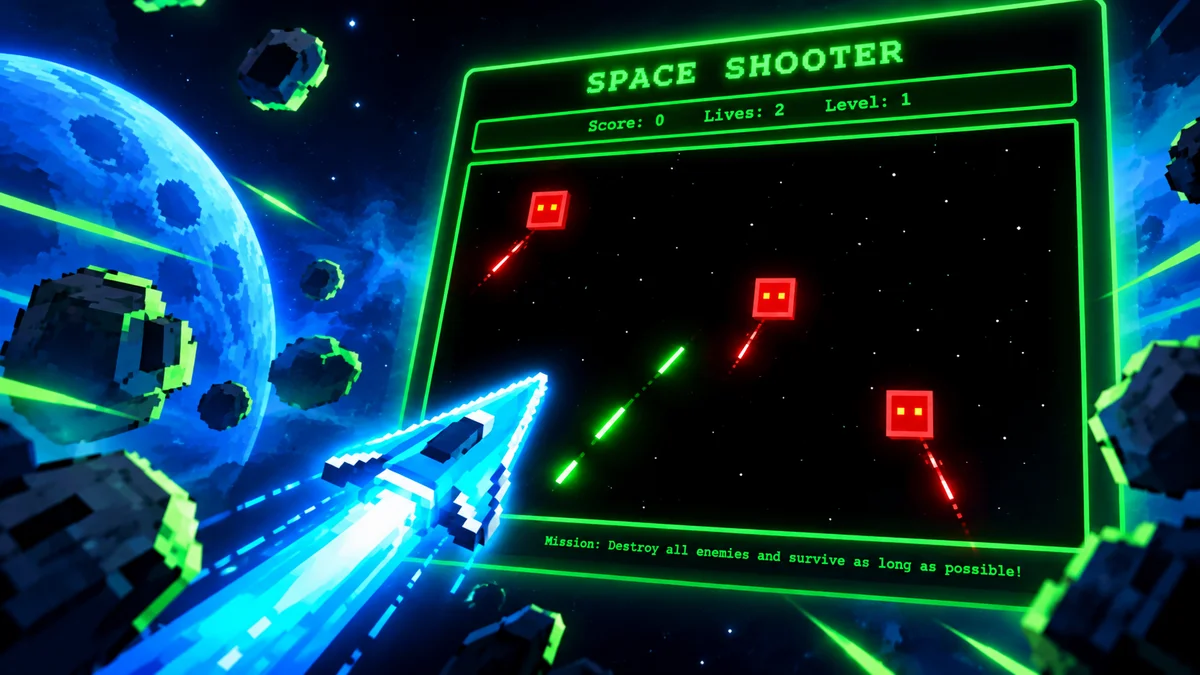
Pixel Art Maker
arcade • arcade • 100-games • collection
Pixel Art Maker — fun HTML5 game. Instant play, no download, mobile and desktop.
Pixel Art Maker is a fun HTML5 game that plays instantly in your browser. No download, no login — just open and play on mobile, tablet or PC. Clean, fast and lightweight with responsive controls.
About Pixel Art Maker
Pixel Art Maker — fun HTML5 game. Instant play, no download, mobile and desktop.
Gameplay — Pixel Art Maker
- How to play Pixel Art Maker? — Click grid cells to paint pixels, choose palette to create 8-bit sprites and patterns.
- What are the controls? — Click or tap grid to fill pixel, drag to paint line, picker to change color, clear to reset.
- Can you export art? — Yes — export as PNG after finishing your pixel piece.
- Is Pixel Art Maker free? — Yes — free, no download, runs in browser, touch friendly.
FAQ
Frequently asked about this game
How to play Pixel Art Maker?+
Click grid cells to paint pixels, choose palette to create 8-bit sprites and patterns.
What are the controls?+
Click or tap grid to fill pixel, drag to paint line, picker to change color, clear to reset.
Can you export art?+
Yes — export as PNG after finishing your pixel piece.
Is Pixel Art Maker free?+
Yes — free, no download, runs in browser, touch friendly.
Tips for pixel art?+
Start with outline, fill base colors, add shading with 2-3 tones, keep palette limited.
What can you create?+
Characters, icons, patterns and retro game sprites — share or save.
Keywords: Pixel Art Maker • play Pixel Art Maker online • pixel art maker html5 • h100-pixel-art-maker
How to Play — Pixel Art Maker
- How to play Pixel Art Maker?
Click grid cells to paint pixels, choose palette to create 8-bit sprites and patterns. - What are the controls?
Click or tap grid to fill pixel, drag to paint line, picker to change color, clear to reset. - Can you export art?
Yes — export as PNG after finishing your pixel piece. - Is Pixel Art Maker free?
Yes — free, no download, runs in browser, touch friendly.
Related